You can manage rewards sent with Tango through a Zap. Log in to Tango portal and go to the Orders page.
- Sign in to the Tango portal.
- Click
 Orders on the left menu. You are taken to the Orders tab by default.
 - Select a search category on top of the page, enter a value, and hit enter on your keyboard or click the the magnifying-glass
 .
.
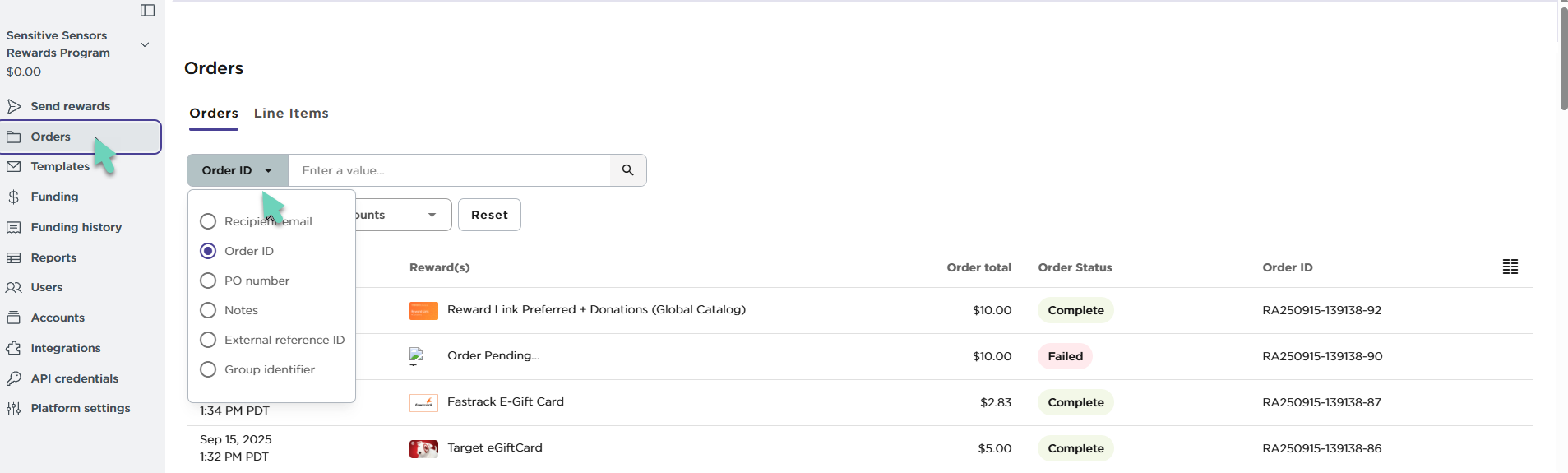
You may get multiple pages of results. If needed, scroll the page horizontally to see all displayed columns. Click anywhere on an order row to see the Order Summary.
Read our documentation to learn more about how to Manage reward orders with Tango
More resources