You must install Tango as a third-party extension in Qualtrics before Tango incentives are linked to any Qualtrics surveys. A Qualtrics administrator can manage Extensions in Qualtrics.
To install Tango as a third-party extension in Qualtrics:
- Log in to Qualtrics.
- Go to Admin.
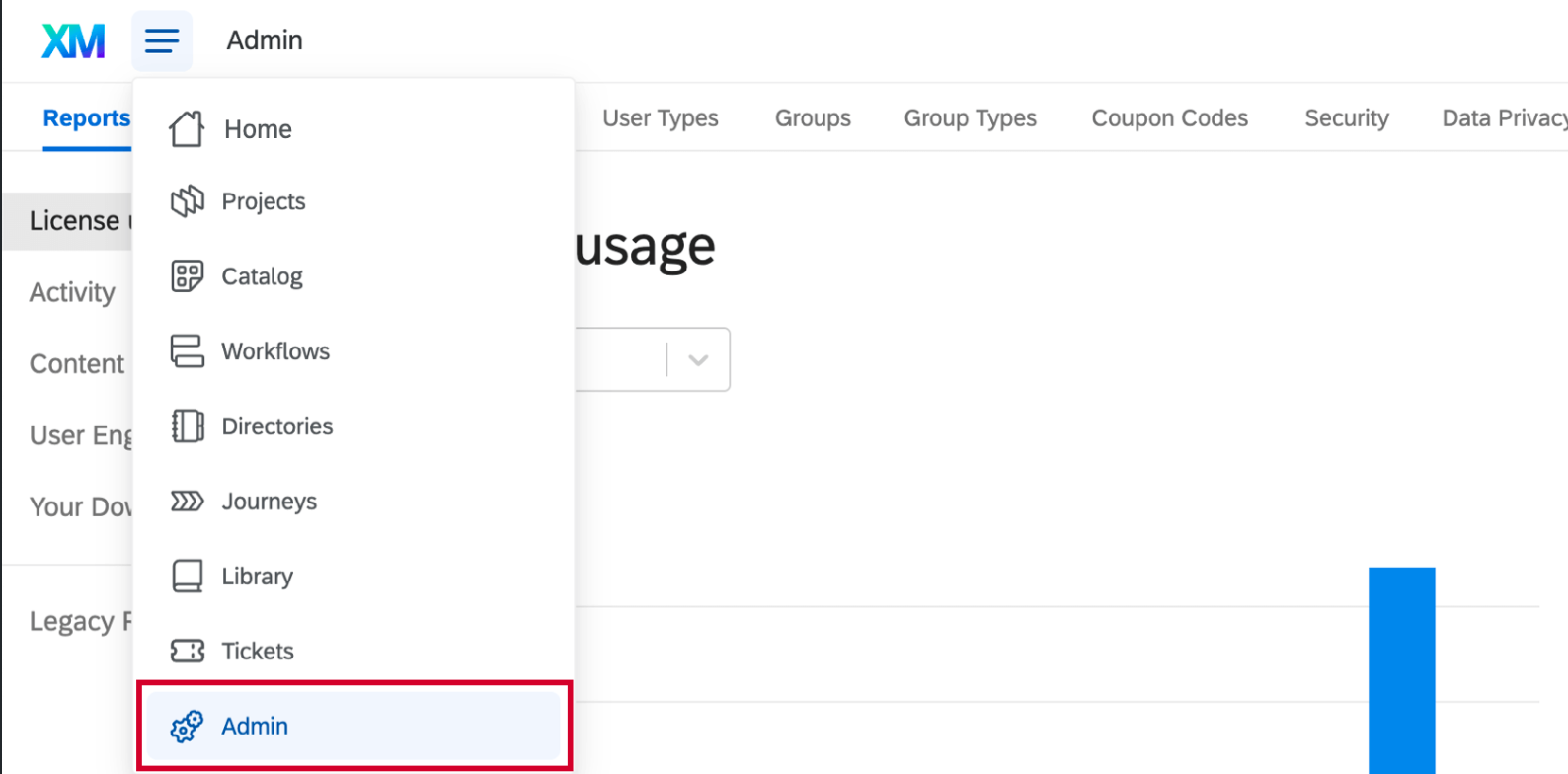
-
Click the Extensions tab at the top.
- In the list of available extensions, use the search bar in the upper-right to search for Tango.
- Click Install next to Tango. Extensions that have not yet been installed appear grayed out.
- Review the Tango Terms of Use and Privacy Policy and select the checkbox to Agree.
- Click Install.
After installing your extension, make sure to enable extensions permissions for any users who should have access to Tango. See Qualtrics documentation on Extensions Permissions. Read more about Qualtrics app integrations in the Qualtrics documentation for Extensions Administration.
What's next?
The next step is to set up a Qualtrics incentive in Tango. The incentive is the reward you offer to your participants in return for taking your survey. Follow the instructions in Step 2: Create a Qualtrics incentive in Tango.
More resources